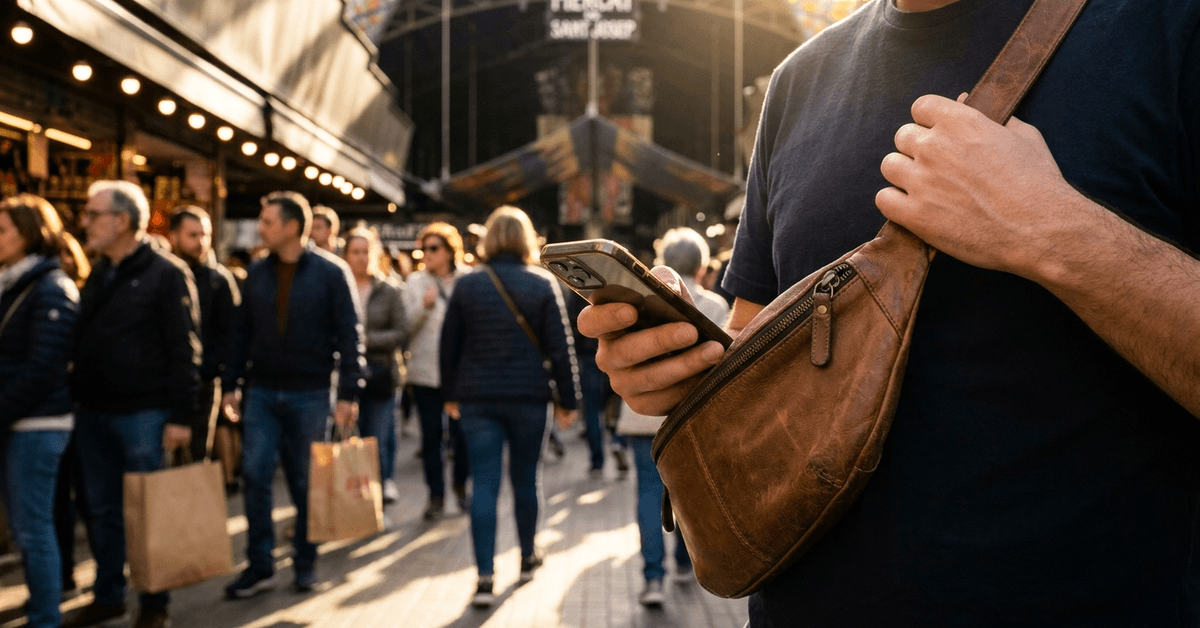
City life often means staying connected on the go. For many, a smartphone is both a safety net and a key to navigating crowded urban environments. However, public spaces come with risks that many people overlook.
This article is designed for commuters, tourists, and residents who use their smartphones daily in busy cities. Knowing how to stay secure can reduce the likelihood of theft, loss, or privacy problems while making your city experience smoother.
Understanding Urban Smartphone Risks
Theft and Pickpocketing Hotspots
Major cities like Barcelona, Paris, or New York see thousands of phone thefts yearly. Subway cars, markets, and crowded intersections are often targeted by pickpockets.
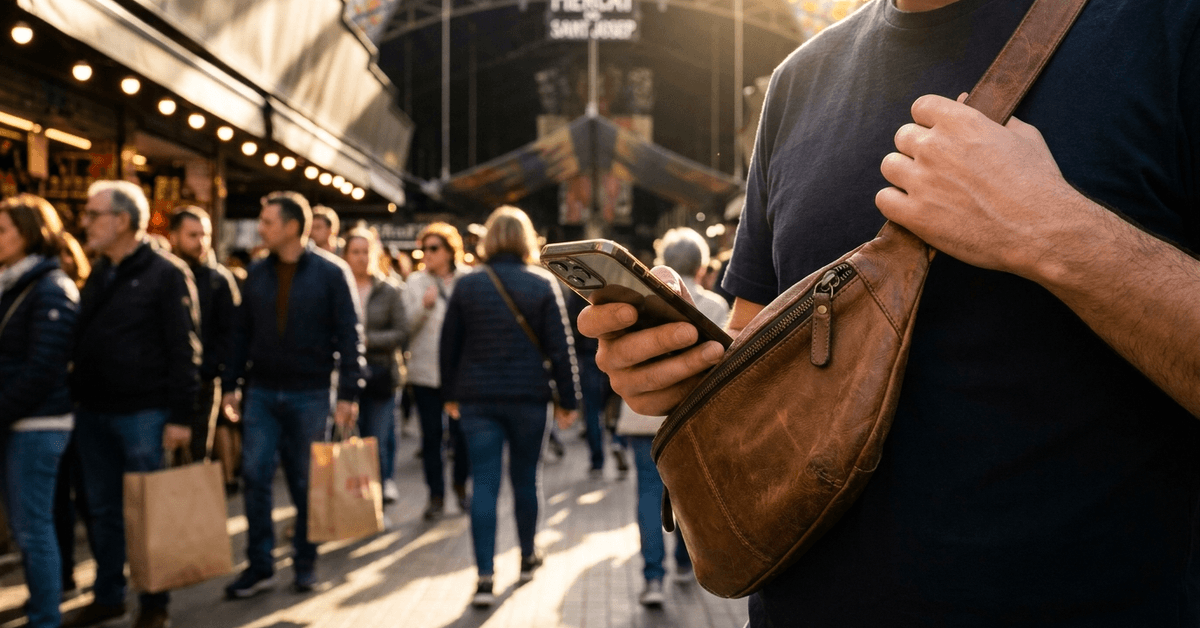
Phones in back pockets or on the edges of tables can be easily snatched. Noticing your surroundings and keeping your device secured can go a long way.
Unintended Data Exposure
Connecting to public Wi-Fi in busy cafés or train stations may seem convenient. Unfortunately, open Wi-Fi networks can expose personal data to hackers or malicious actors.
This is particularly relevant in high-traffic hubs like train stations or airports, where public Wi-Fi is common but rarely secure.
Physical Security: Keeping Your Device Safe
Carry Essentials the Smart Way
- Store your phone in a front pocket or inside a zipped bag.
- Use cross-body bags or anti-theft backpacks. Brands like Pacsafe are a popular choice for travelers.
- Consider an inexpensive decoy wallet or phone case if you frequent crowded events.
Stay Alert in High-Risk Situations
During busy festivals or on public transport, avoid full attention on your screen. Pause in quieter corners for messaging or to check routes.
A good idea is to keep headphones visible but muted. This allows you to listen for approaching footsteps or unexpected distractions.
Beware of Prying Eyes
Screen protectors with privacy filters make it difficult for shoulder surfers to read messages or see private info. They are widely available from Belkin and similar brands.
Adjust your body or use a wall for cover if entering passwords or viewing sensitive data outside.
Digital Safety: Protecting Data in Crowds
Using Secure Networks
- Consider mobile data instead of public Wi-Fi wherever possible.
- If public Wi-Fi is required, apps like NordVPN can add a layer of encryption to your connection.
- Never log in to banking or sensitive accounts on open networks without protection.
Activate Built-In Phone Security
- Enable fingerprint or facial recognition to unlock your device.
- Configure your phone’s “Find My” feature (like Find My iPhone or Google’s Find My Device) before city trips.
- Set up emergency contact info in your lock screen settings for easy return if your phone gets lost.
Update and Back Up Regularly
Update your operating system and security apps before traveling in busy cities. Regular backups mean you won’t lose essential contacts or photos even if your phone is lost.
Services like Google Drive or iCloud offer simple, automatic backups without extra effort from you.
Safe Phone Use Habits in Urban Spaces
Stay Mindful in Transit
- If you must text or check a map, step aside from foot traffic.
- Pause near staffed stores or in view of CCTV cameras for quick phone checks.
- Try not to use your phone right at train doors or tram stops where thieves can grab and disappear quickly.
Be Discreet with Valuable Devices
- Choose a neutral phone case to avoid drawing attention.
- Avoid showcasing the latest model or photo gear in busy public areas.
App Recommendations for Urban Safety
- Navigation apps such as Citymapper help with step-by-step routes, minimizing the need to check your phone constantly.
- Personal safety apps like bSafe allow for quick alerts if you feel threatened.
- Payment apps such as Apple Pay or Google Pay can let you make transactions with less time exposing your device in crowds.
Privacy and Social Etiquette
Using your phone in public can be helpful, but it is important to protect your privacy and remain aware of the people around you. Small habits can reduce security risks while making city travel more comfortable.
Minimize Oversharing in Real Time
Avoid posting live updates that reveal your exact location, hotel, home address, or travel schedule.
Real-time tags can show that your home is empty or make it easier for strangers to track your movements. Consider sharing photos and location details only after leaving the area.
Protect Other People’s Privacy
Be mindful when taking photos or videos in crowded spaces. Avoid recording strangers closely without permission, especially children, workers, or people in private situations.
Stay Alert While Navigating
When using your phone for directions, keep your head up and avoid staring at the screen for long periods. Wearing only one earbud can help you hear traffic, announcements, and nearby activity.
Pause in a Safe Place
If you need to study the map, stop in a well-lit, populated area rather than standing near a road or blocking a busy walkway.
What to Do If Your Phone Is Lost or Stolen
Losing your phone can be stressful, but acting quickly helps protect your personal information and improves the chances of recovering the device. Following a few important steps can reduce the risk of unauthorized access.
Immediate Actions
Use the Find My app or your device’s tracking service as soon as possible to locate your phone. If it cannot be recovered immediately, contact your mobile network provider to suspend the SIM card and prevent unauthorized calls or messages.
If you believe the phone was stolen, report the incident to the local police and provide your device’s IMEI number, which can help identify the phone.
Protect Your Accounts
Change the passwords for important accounts linked to your phone, including email, banking, shopping, and social media services. This helps prevent unauthorized access if the device is unlocked.
Use Remote Security Features
If recovery seems unlikely, activate a remote lock or remote wipe using Android Device Manager or Apple’s Find My service. These tools can erase sensitive information while protecting your personal data from misuse.
Conclusion
Urban environments are dynamic spaces where convenience and risk can go hand in hand.
By staying alert, making use of phone security settings, and practicing safe habits, it’s possible to enjoy all the benefits your smartphone offers across city streets, transit hubs, and beyond.
Small precautions—like securing devices, using the right apps, and protecting your data—can transform stressful commutes or travels into worry-free experiences.